A smaller marker leaves less room for your name
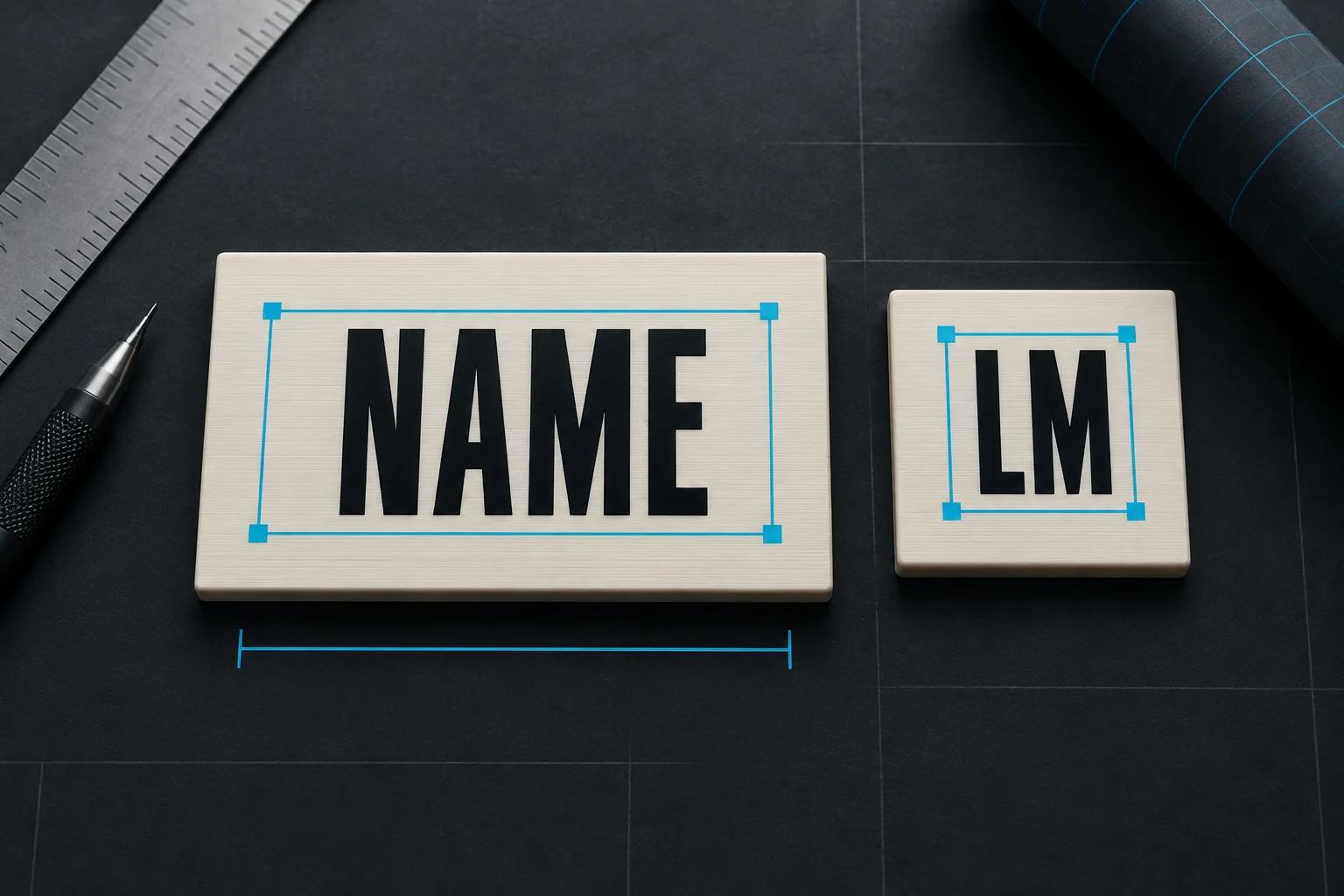
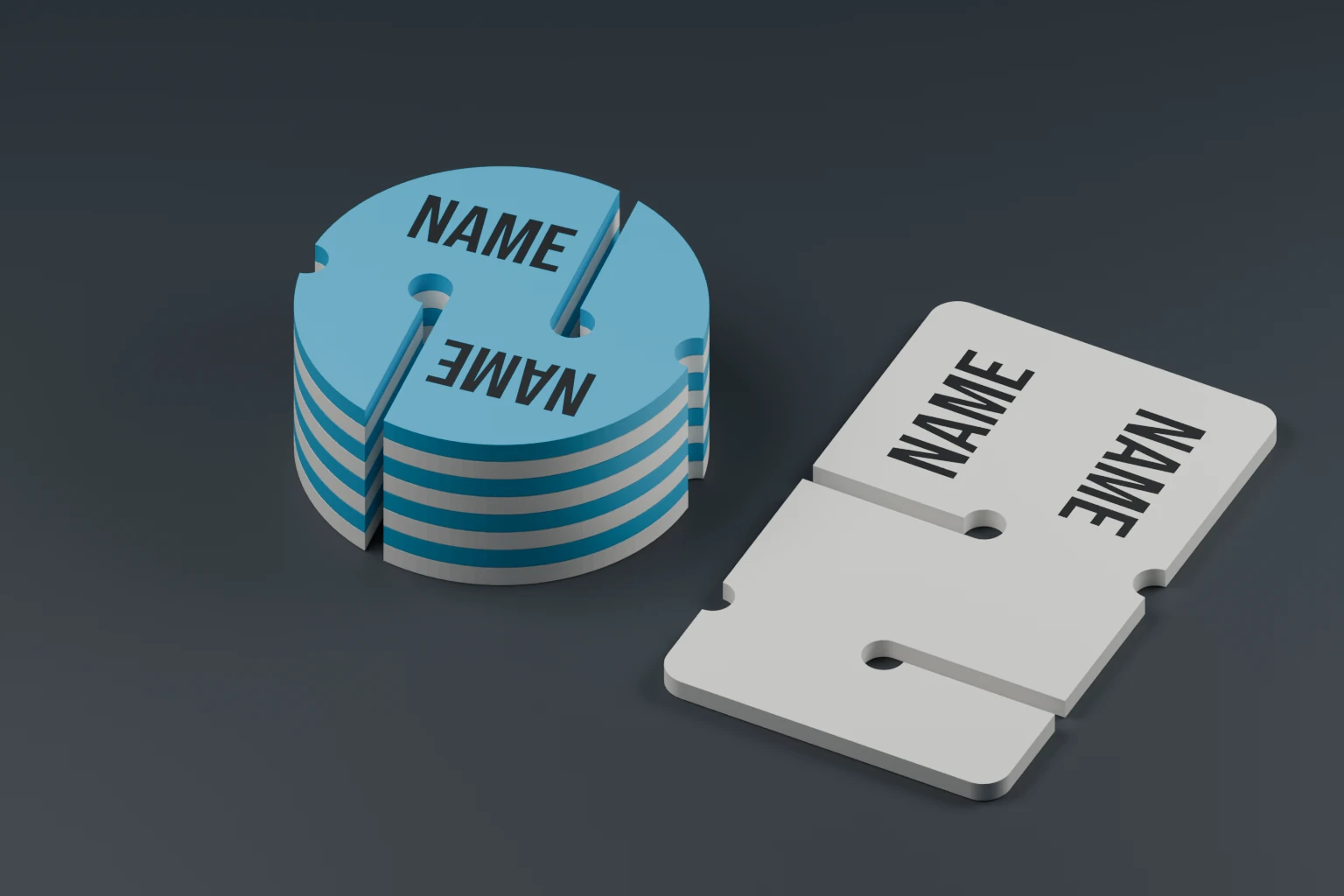
A compact cookie takes up less space in a holder and in your hand. A larger one gives the lettering more room. Try the size with your actual name in the editor: a pair of initials may remain large where a longer name needs to shrink.
The sizes in our designer
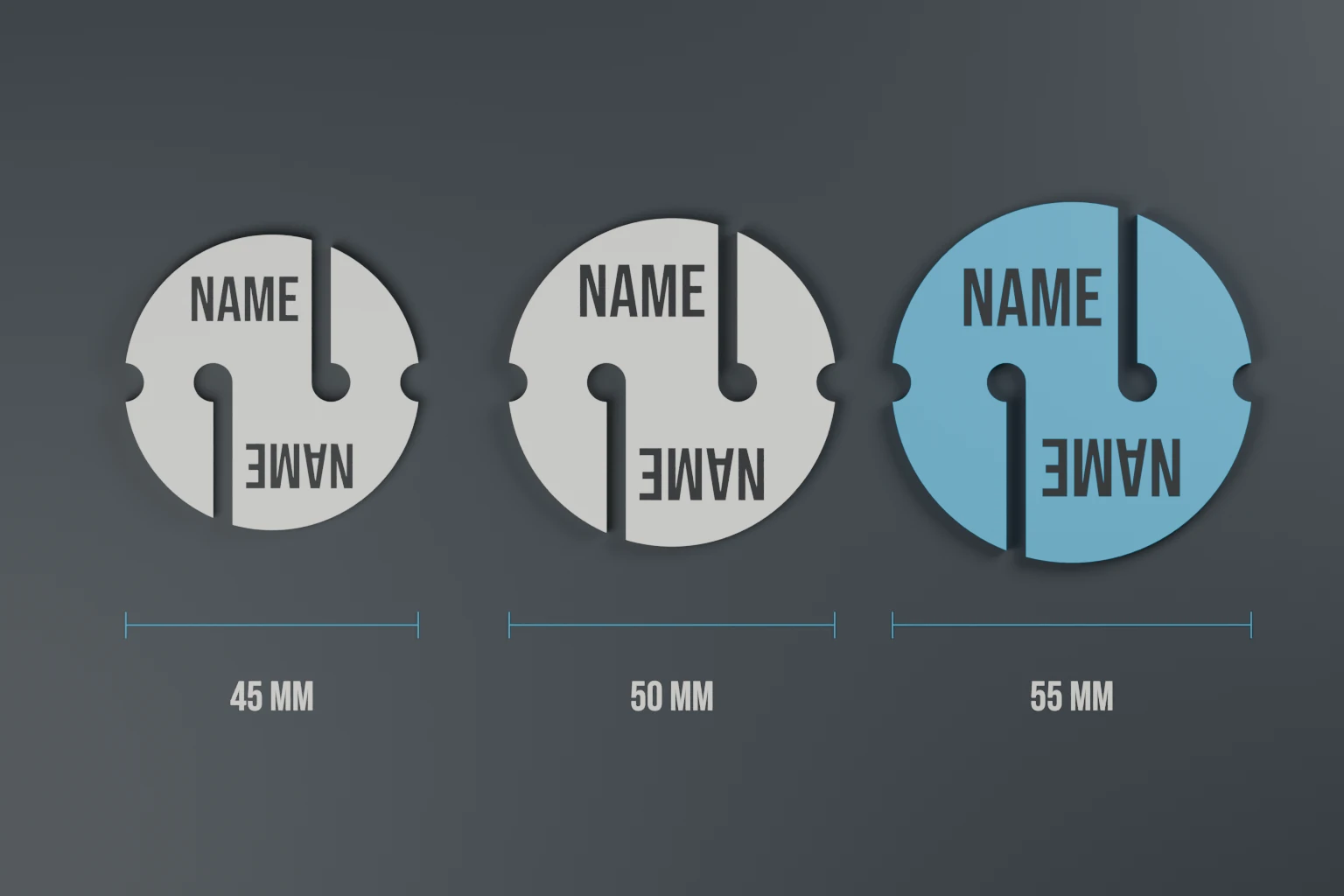
These presets are available for the plain Classic and Faceted designs. Cookies are listed by nominal overall size; arrow and REM measurements are width × height.
| Design | Compact | Medium | Original |
|---|---|---|---|
| Classic cookie | 45 mm | 50 mm | 55 mm |
| Faceted cookie | 45 mm | 50 mm | 53.9 mm |
| Octagonal cookie | 45 mm | 50 mm | 55 mm |
| Classic arrow | 40 × 65 mm | — | 52 × 76.9 mm |
| Faceted arrow | 40 × 65 mm | — | 49.5 × 69.4 mm |
| Classic / Faceted REM | 40 × 65 mm | 46 × 75 mm | 51 × 84 mm |
Rounded outlines can be slightly narrower than their nominal size. The designer shows the exact width and height of the selected model. Playful markers and BEER / BBQ REMs currently keep their own fixed dimensions.
What changes, and what stays the same?
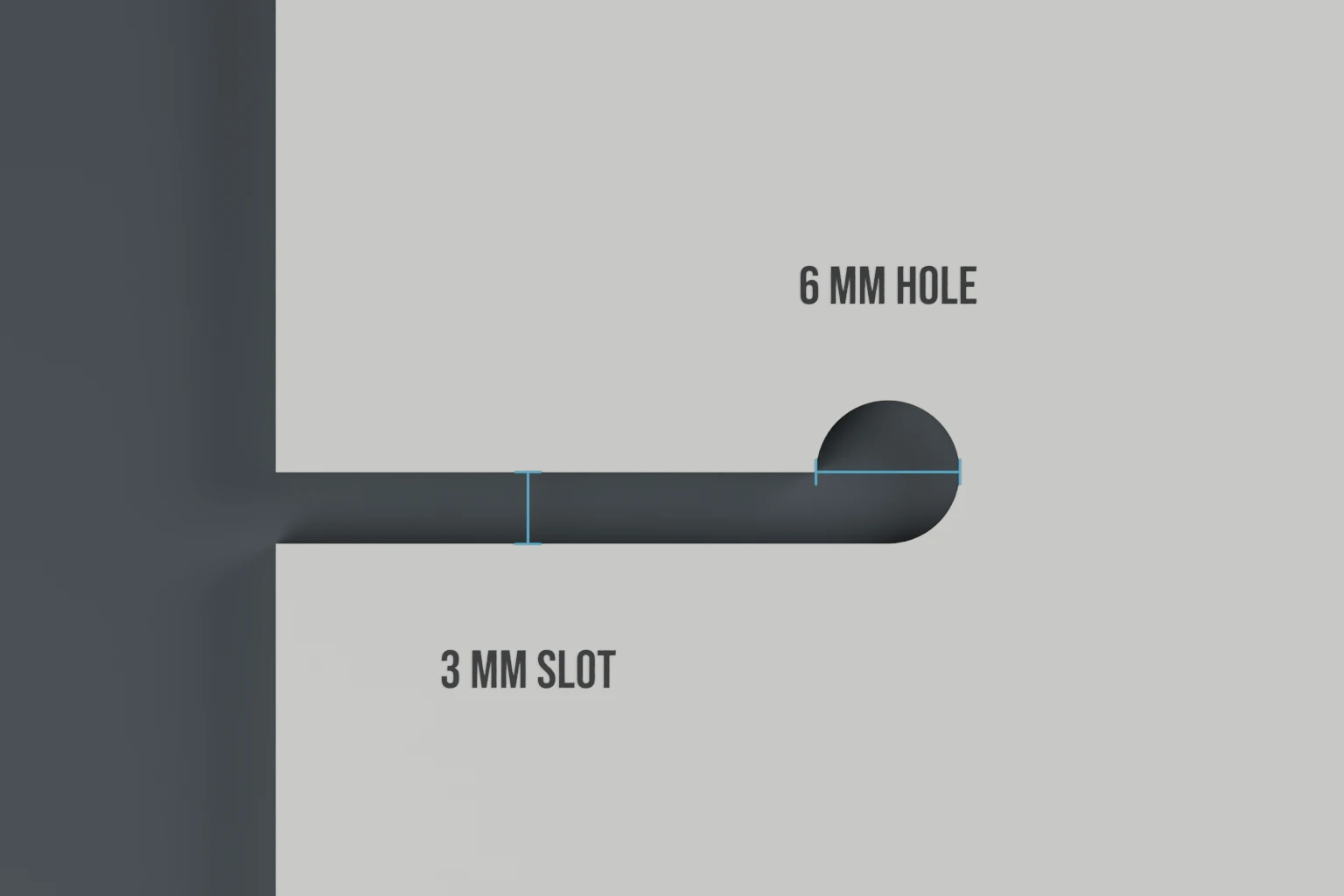
The outline and text areas change together. The body stays 3 mm thick, and the line holes remain 6 mm across with 3 mm slots.
For smaller cookies, the hole centres are 18 mm apart on the 45 mm version and 20 mm apart on the 50 mm version. Compact arrows use 20 mm spacing. The 65 mm and 75 mm REMs both retain 29 mm spacing.
Choose these presets in the designer rather than scaling the downloaded file. Scaling a whole mesh also changes its line openings and lettering thickness. Our line-fit guide shows the difference.