Start with the name you actually want on the marker
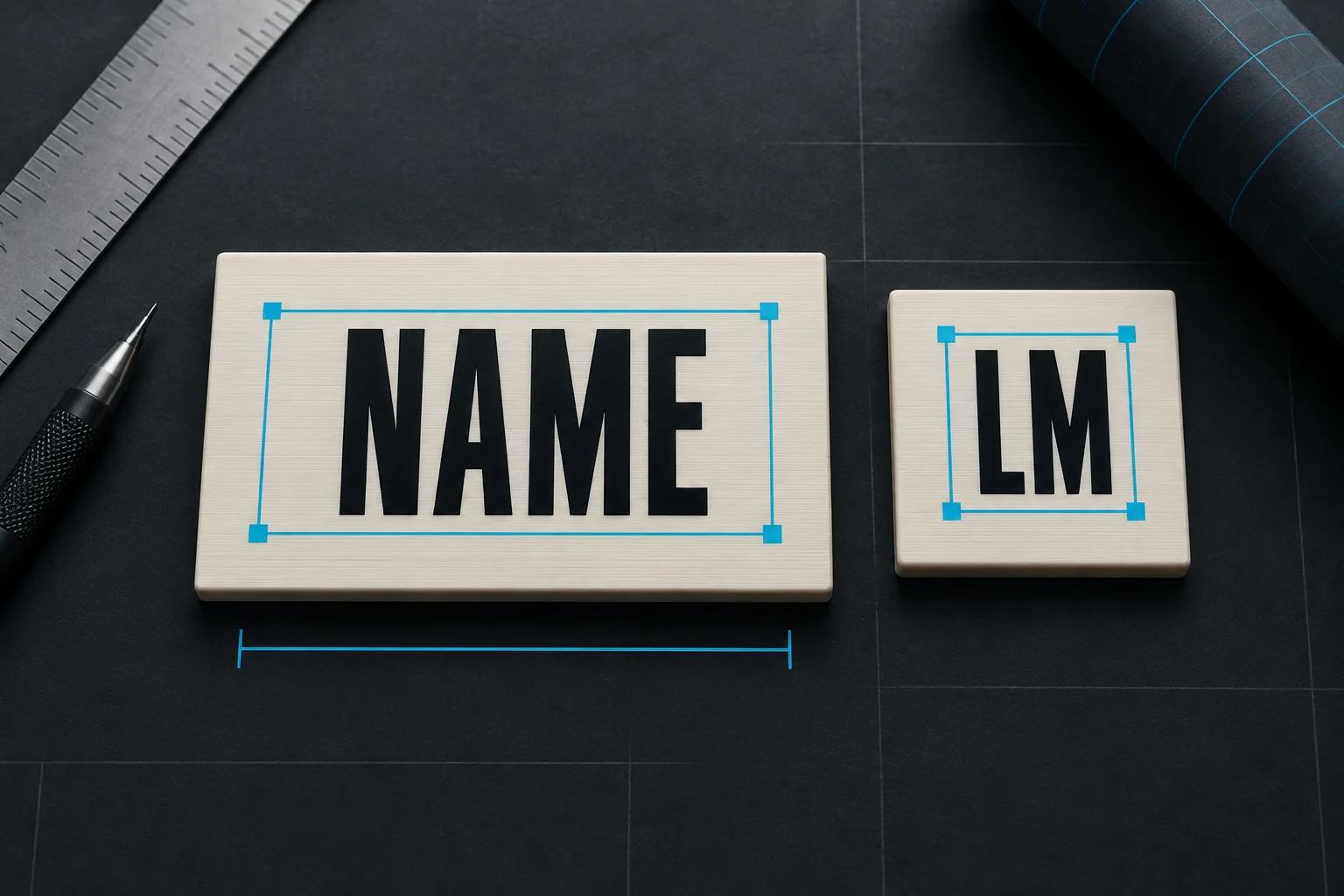
Try your first name in the editor, then compare it with your initials. For example, LENA and LM occupy quite different amounts of space. Shortening the text can keep the letters larger when you choose a compact cookie.
If a buddy shares your initials, a short name can be more useful than another identical set. The preview’s NAME is just an example: replace it with your own text.
How the text fits
On plain cookies, arrows and REMs, the target letter height is 10 mm. The editor centres the visible lettering inside a padded area and shrinks it evenly when needed. It does not squeeze the letters sideways or push them against a slot.
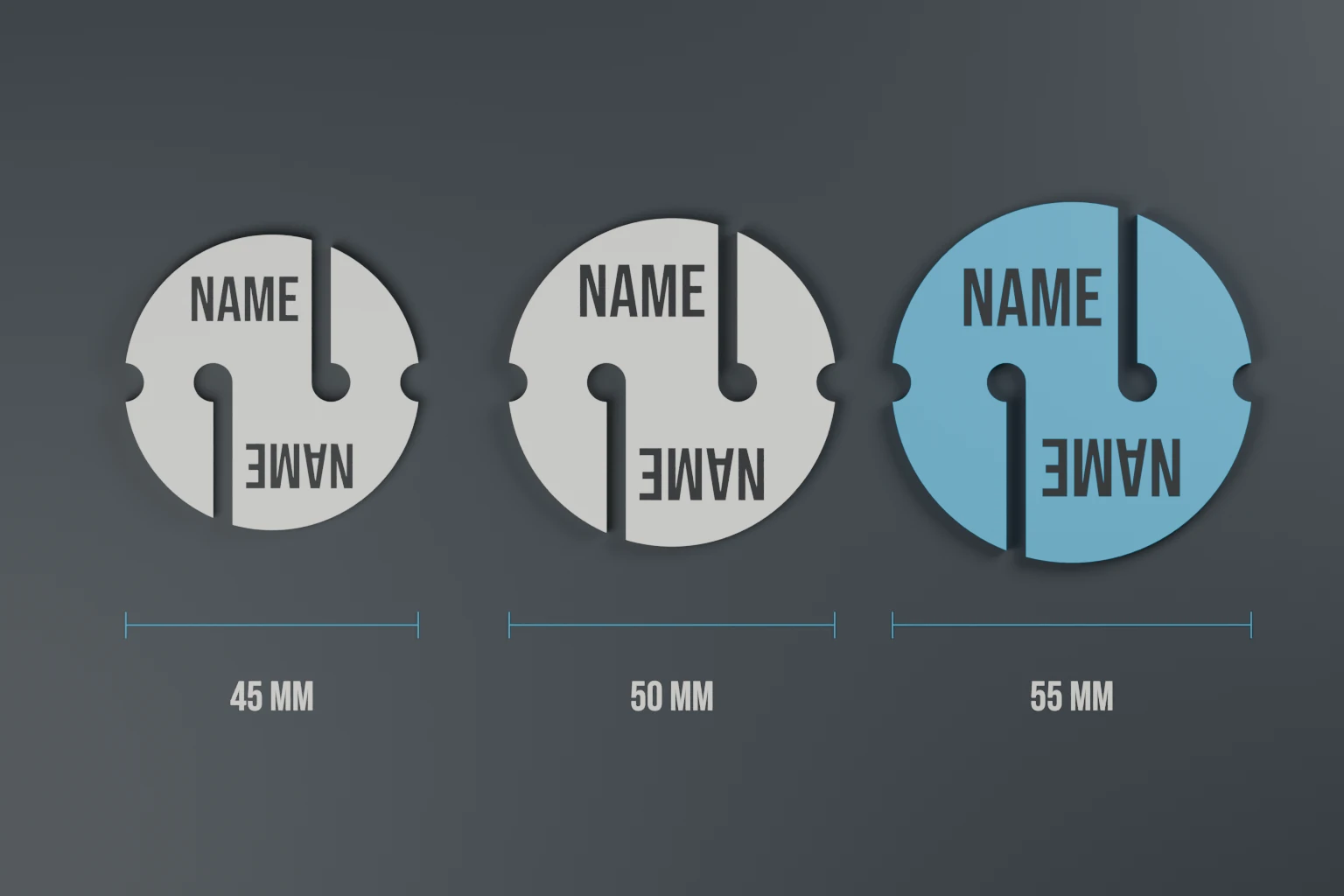
Cookies have text areas on opposite sides of the line features. Arrow names sit in the wider rear section. REMs use the clear panels around their slots. Choosing a smaller size changes the available area, so check the name again after changing size.
Smaller names beside playful artwork
On the playful designs, the face or icon is the main feature. Names generally start at 7 mm high; taco and döner names start at 6 mm. These are secondary labels, so they will not fill the same area as the large BEER or BBQ lettering.
The editor stops at a 6 mm letter-height floor for a 0.4 mm nozzle. If your name will not fit, use fewer letters or choose a larger available marker size. That limit protects the space for the lettering; print quality still depends on the filament and your printer.
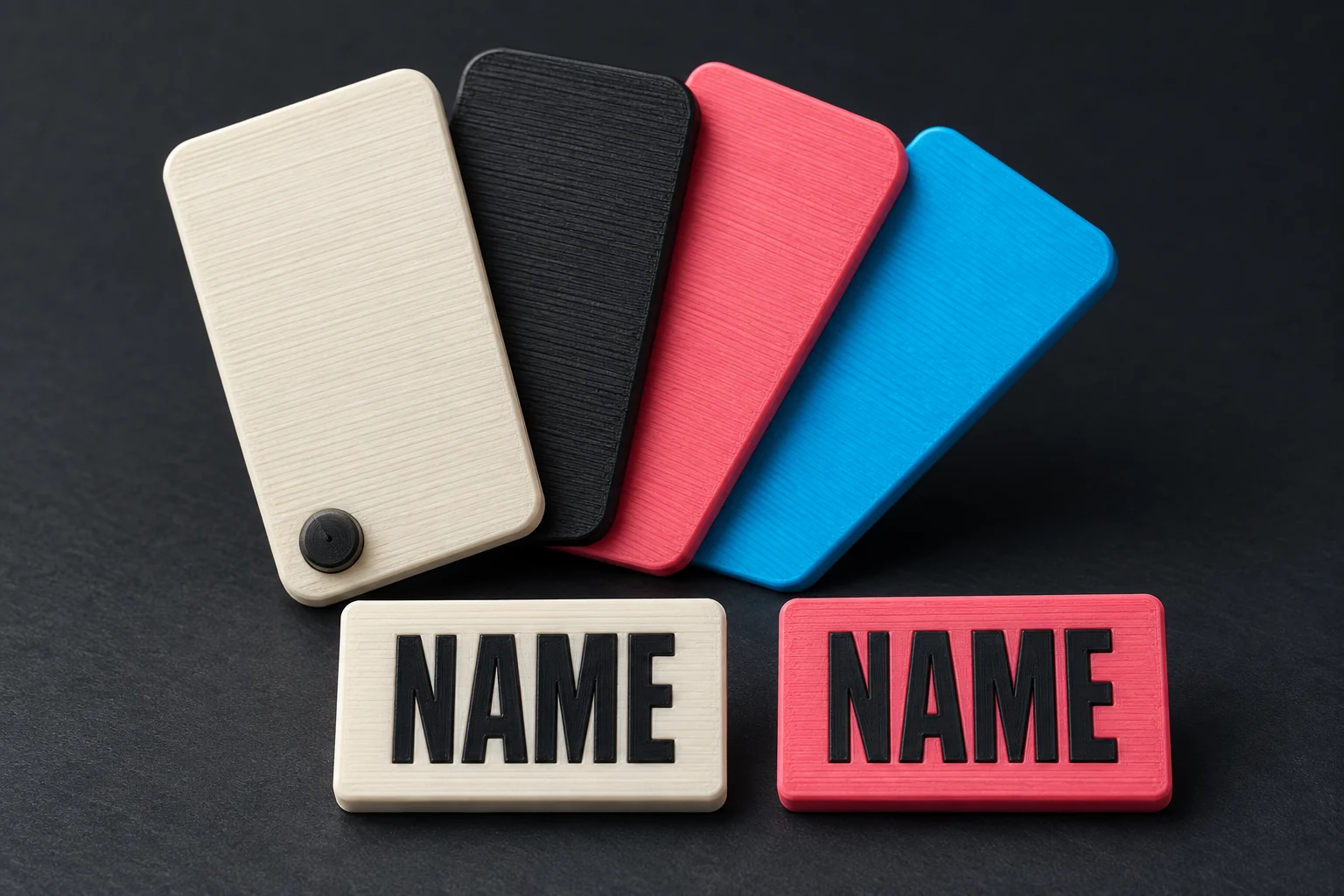
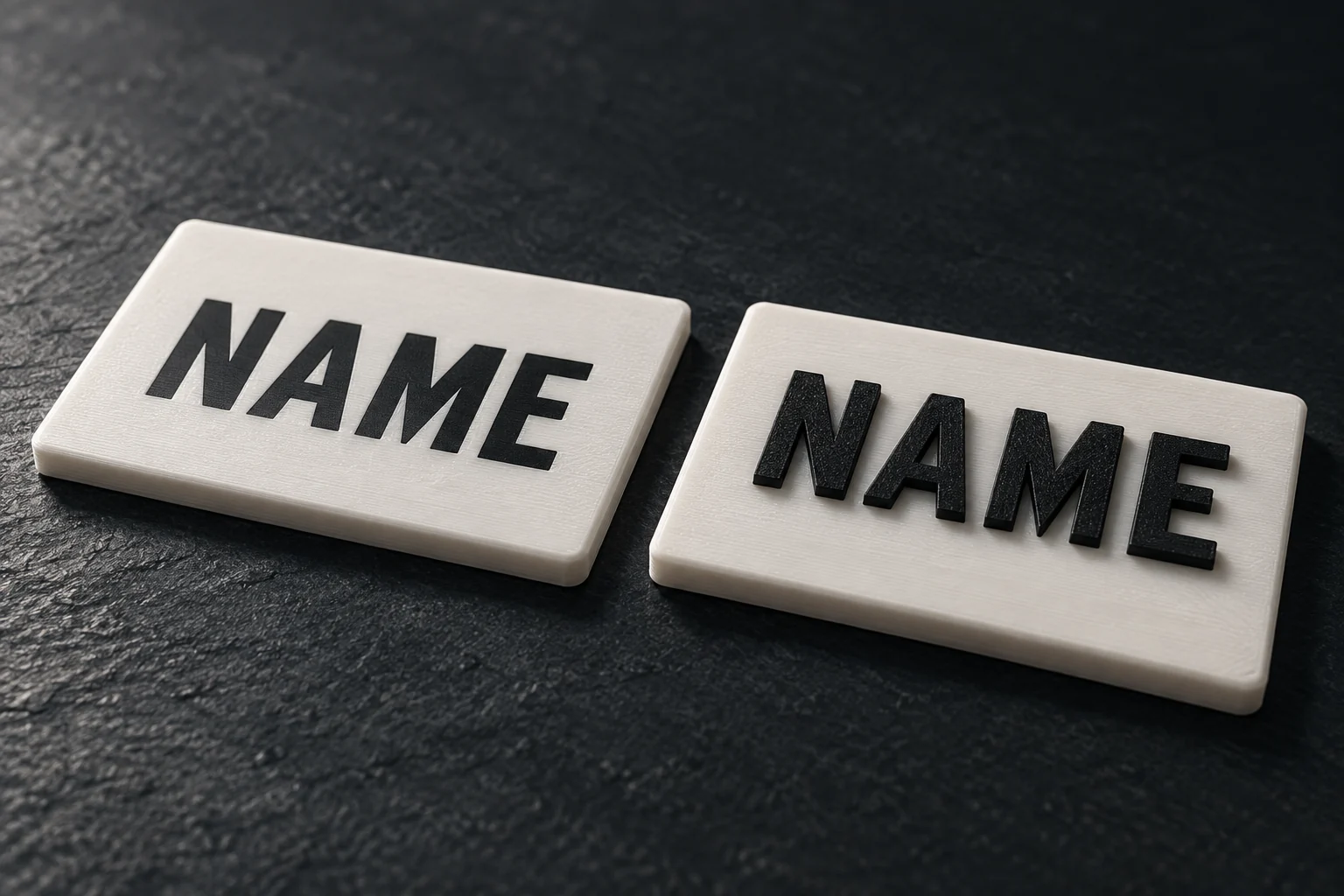
For a readable result, compare contrasting colours and turn the 3D preview over when using the double-sided finish.