Look at the line-contact areas
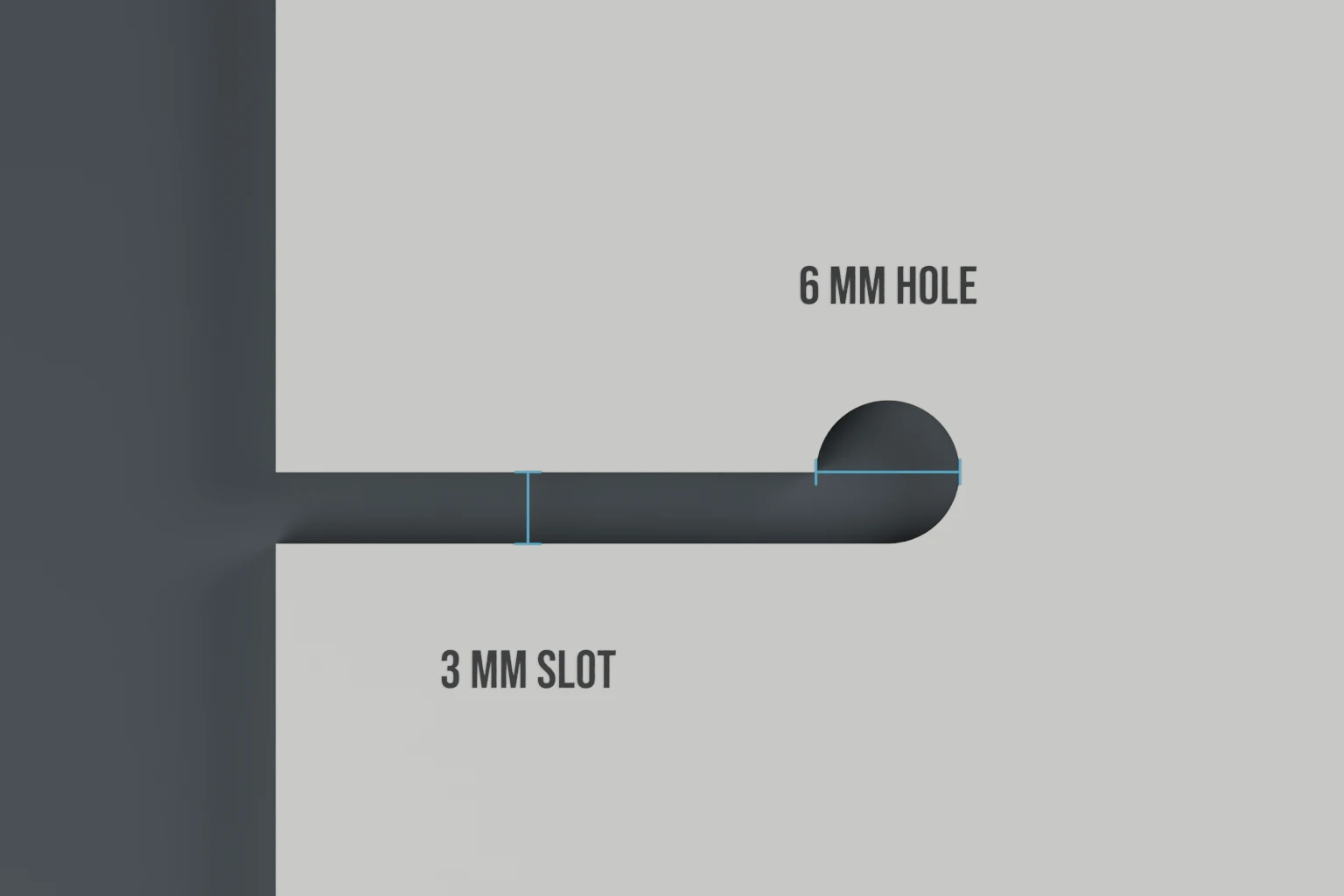
The slot entrances, round holes and thin sections beside them deserve a closer look than the broad face. Check for a crack extending from an opening, a rough edge against the line or layers beginning to separate. Replace a damaged marker rather than enlarging its slot to work around the damage.
Keep the slots clear
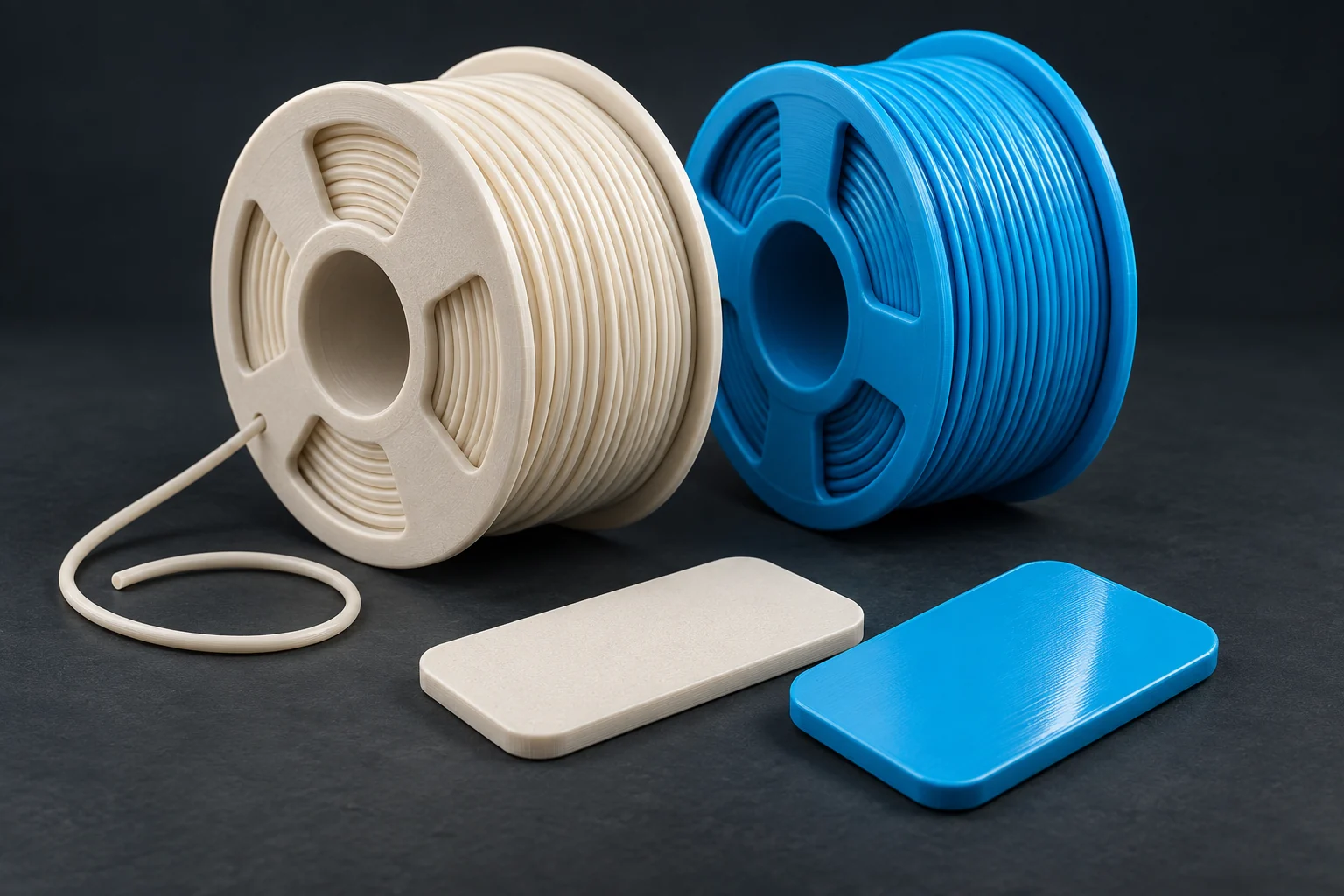
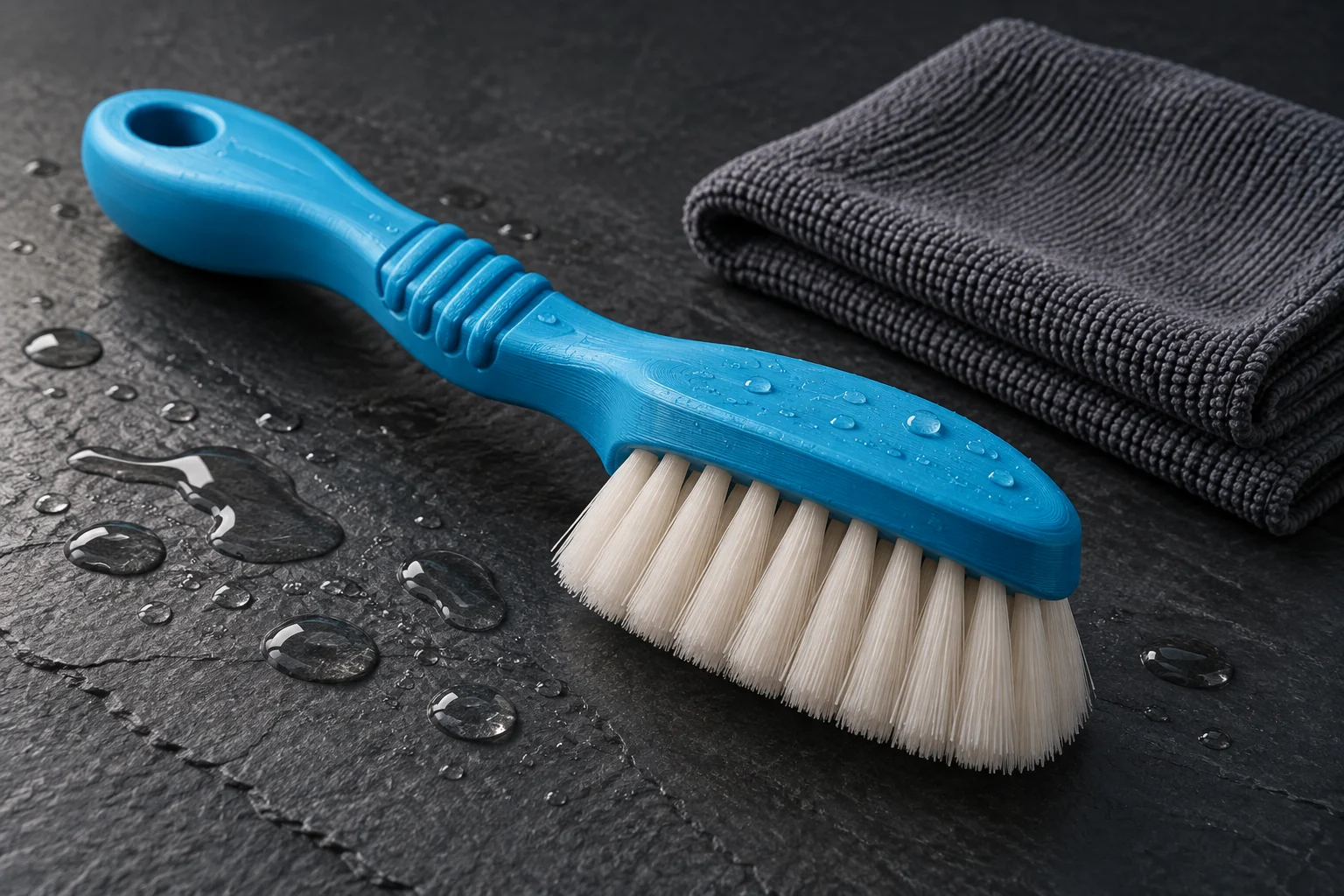
Rinse away salt and grit with fresh water and let the marker dry. Dirt in a slot can change how it feels on the line. On a fresh print, loose filament strings are worth removing before use; they are particularly easy to miss inside a round hole.
A scratch in a flat colour region is different from a split in the body. For a flush marker, the detail is only 0.5 mm deep, so heavy sanding can remove the artwork. For a raised marker, check that a damaged letter has not left a sharp or loose piece.
Keep the details for a replacement
Save the design in your divestuff account with its size, material, colours and name. You can return to that configuration when you want another set.
If you already use SendGear for equipment records, a note against the marker set can identify which holder it fits and which size you printed. Keep the editable marker design here in divestuff.