PLA matte or PETG?
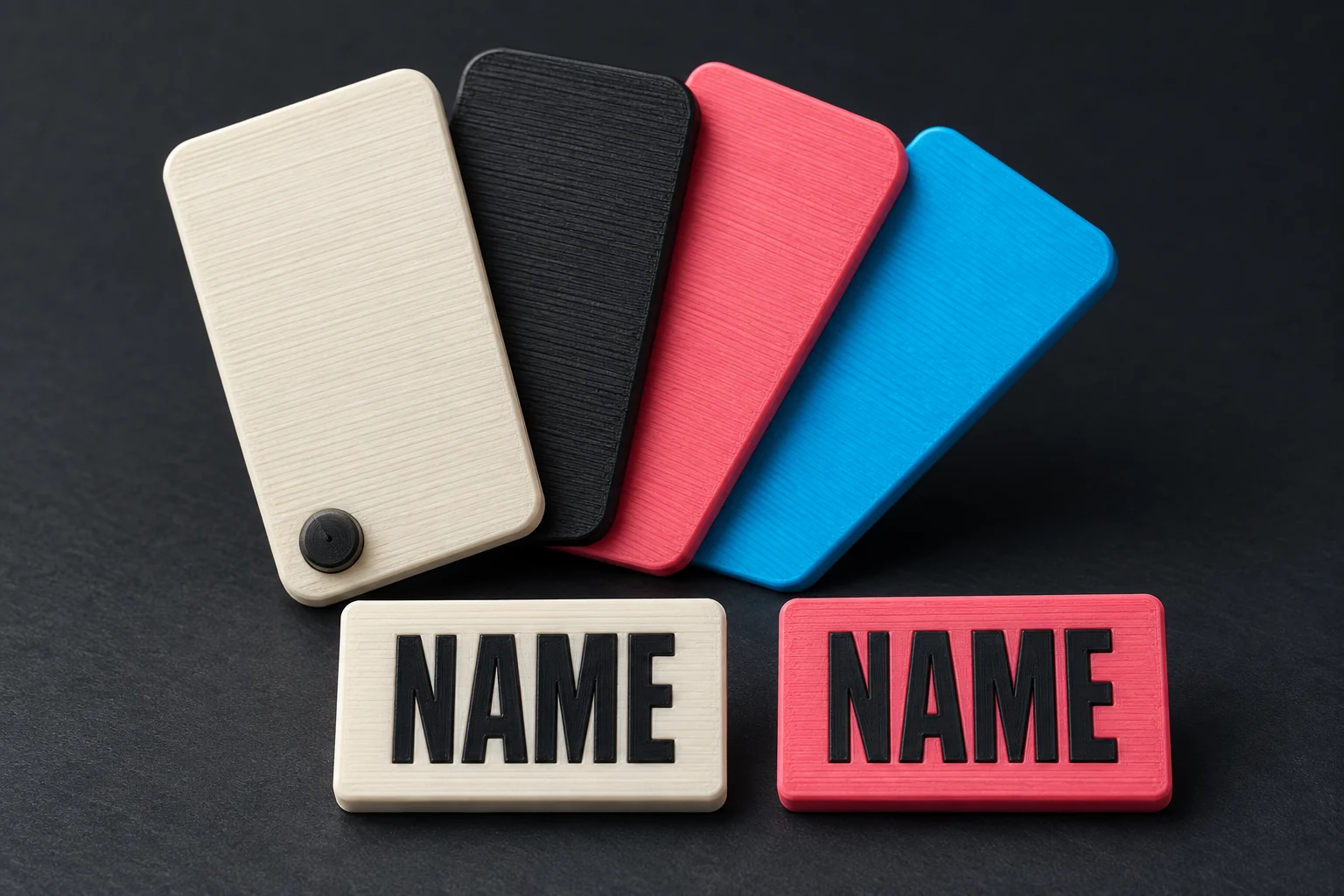
These are the two materials in the divestuff designer. We have printed markers in both. The choice changes the finish, available colours and how the marker handles bending and heat.
| PLA matte | PETG | |
|---|---|---|
| Why choose it? | A matte finish and straightforward printing of names and small artwork. | More toughness and flexibility, with good adhesion between print layers. |
| Print detail | Usually gives crisp lettering with little warping. | Can leave fine strings, particularly around openings and separate details. |
| Heat and handling | Less heat-resistant and more brittle. Avoid hot storage, such as a sun-heated car dashboard. | More tolerant of heat and repeated flexing, although it can still deform or be damaged. |
The general material comparison is supported by the Prusa PLA guide ↗ and Prusa PETG guide ↗. The exact filament and print settings still matter.
Where it matters on a marker
The thin sections beside the slots are more relevant to handling than the large flat face. If your priority is resilience during repeated use, PETG is the stronger starting choice. If you prefer the matte appearance and crisp artwork, PLA matte is also available; keep its lower heat tolerance in mind when storing the set.
What about ABS?
ABS is a tough plastic commonly used for functional parts. It is an option if you are choosing your own filament.
- Pros: good resistance to impacts and heat, and easy to sand after printing.
- Cons: more shrinkage and warping, so an enclosure helps keep the print warm. Printing also needs suitable ventilation or extraction for fumes. Prolonged sunlight can make ABS brittle; the related material ASA has better UV resistance.
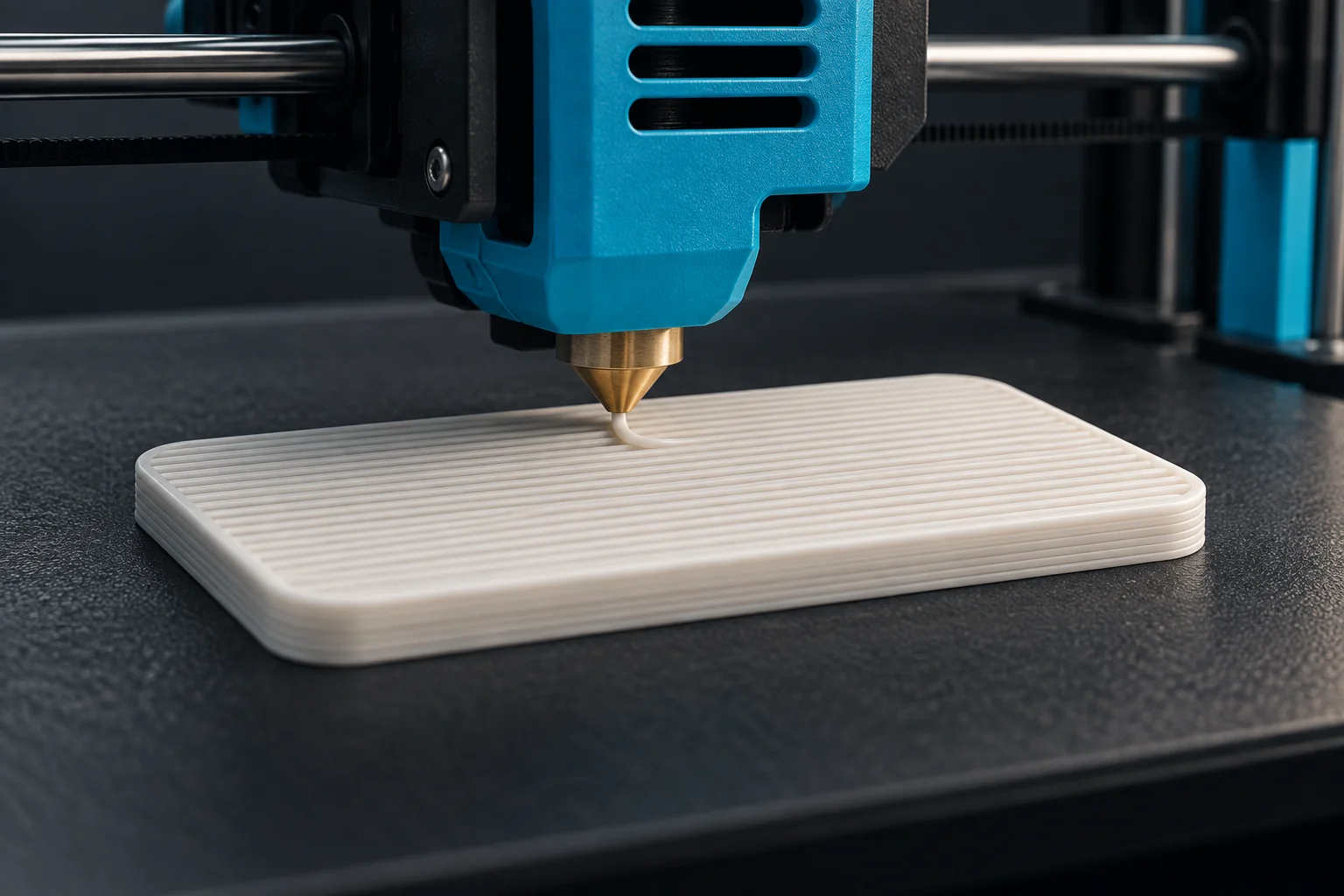
For a flat cookie, warping can affect both its shape and line fit. Check the finished holes and slots rather than assuming the model dimensions survived printing exactly. See the Prusa ABS guide ↗.
Carbon- and glass-fibre filaments
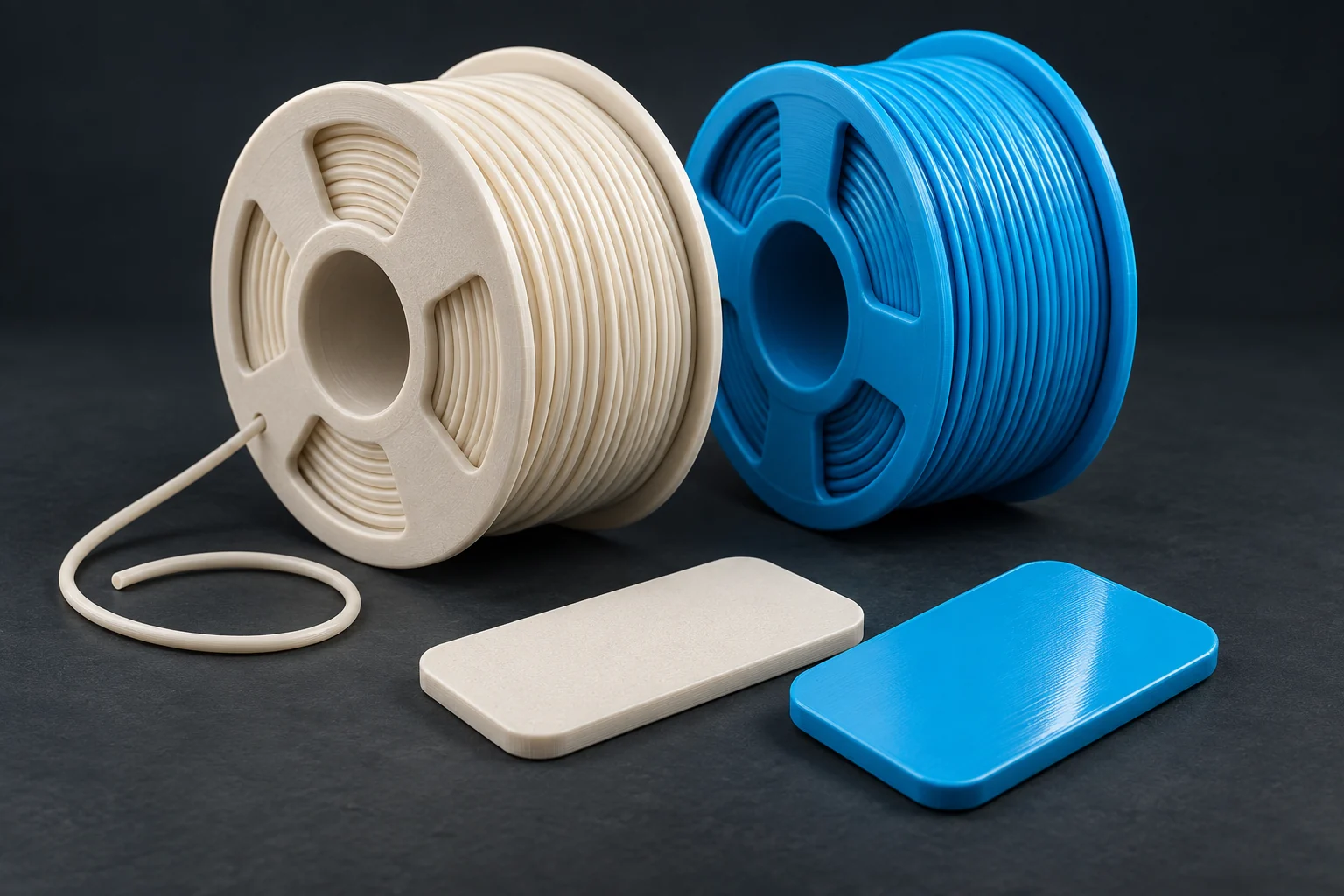
CF means carbon fibre; GF means glass fibre. These filaments mix short fibres into a base plastic such as PETG or nylon. The base plastic and exact blend still matter.
- Pros: fibres can make parts stiffer, reduce warping and improve dimensional stability. That can help a bracket hold its shape under load.
- Cons: the fibres wear ordinary nozzles, so use a hardened, abrasion-resistant nozzle. Clogging can be more likely; follow the filament maker’s nozzle-size and drying guidance. Some blends also sacrifice impact resistance or bonding between layers.
Stiffer does not automatically mean harder to break. On a thin marker, the sections beside the slots need to survive handling, so compare the actual filament’s properties before choosing CF or GF. See the Prusa composite-material guide ↗.
Choose the material before the colours
The designer currently offers PLA matte and PETG profiles. ABS and fibre-filled materials above are background information for printing with your own filament.
Each material has its own palette in the editor. Switching material may change the nearest available shades, so check the body, lettering and accents again before downloading. Keep all colours in a marker in the selected material family.
The 3MF includes the material profiles and colours selected in the designer. Those profiles describe the supplied project; if you use a different filament, use its appropriate settings in your slicer.
Both of our tested materials sink
Our PLA and PETG marker prints sank in our own tests. Floating was not a reason to choose one over the other. Read the short note on those prints and solid infill.